

Gmail Configure "Report Phishing"
Sublime automatically tracks user phishing reports made through Gmail's built-in "Report phishing" feature:
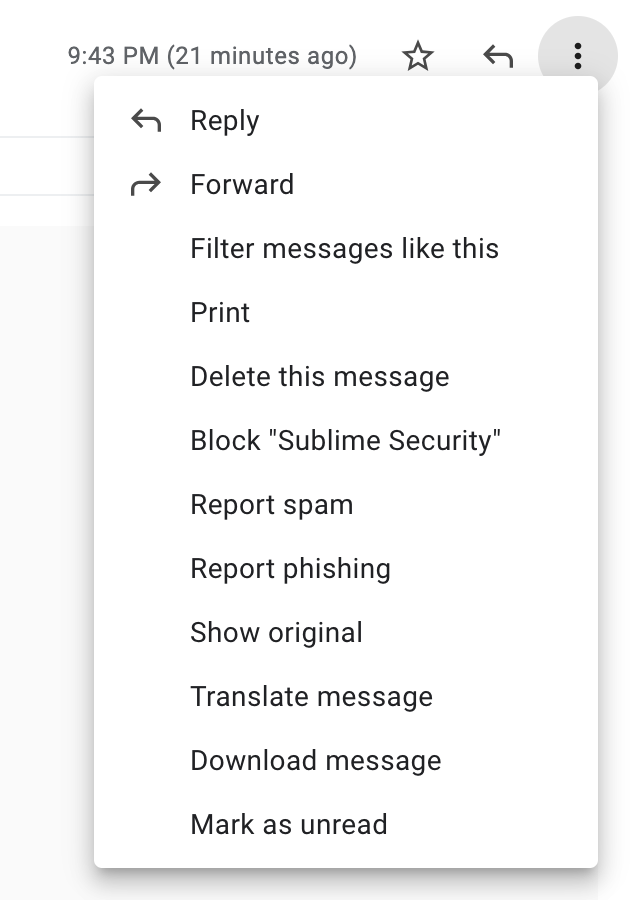
Sublime will show messages reported through this feature under User Reports
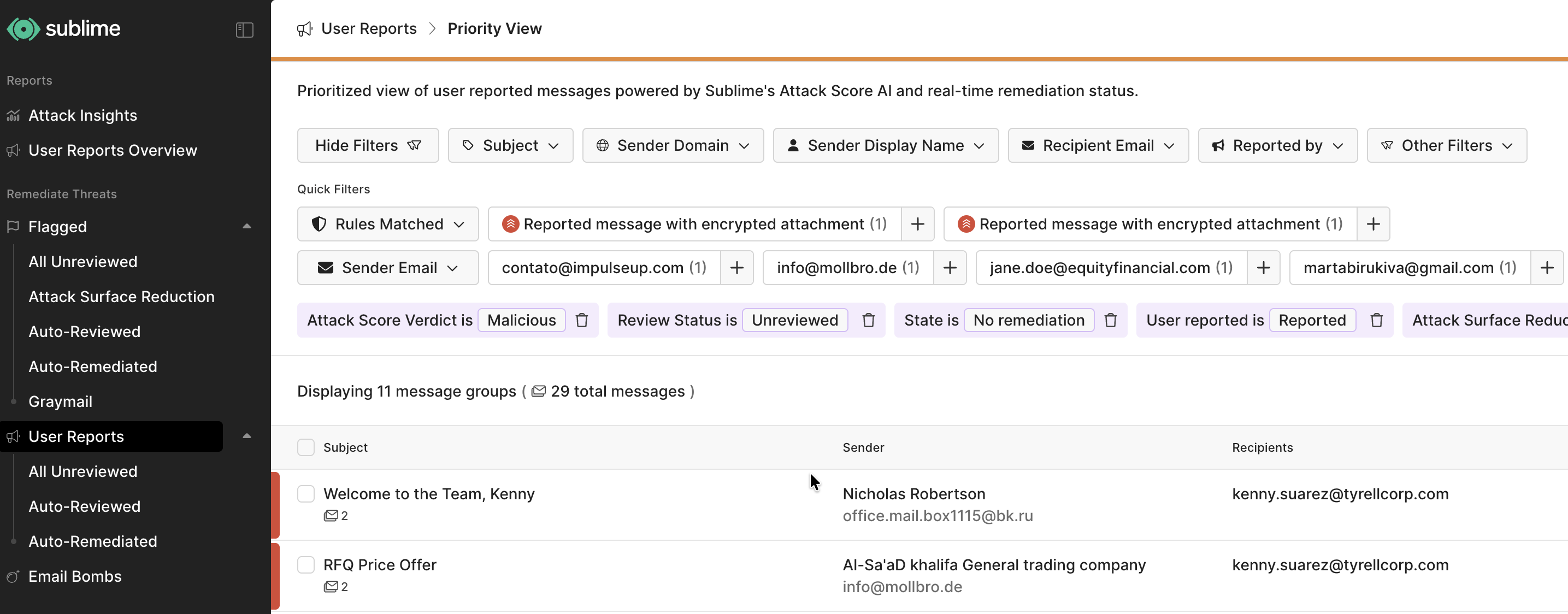
TimingGoogle Workspace delivers Report phishing alerts to its alert center on a delay that ranges from minutes to several hours. Google's documentation notes that alert notifications can arrive up to 4 hours after the rule triggers. Sublime processes the alert as soon as Google sends it, but the time between a user clicking Report phishing in Gmail and the message appearing in Sublime is bounded by Google's alert center, not by Sublime.
Teams that want faster end-to-end triage can route reports through an abuse mailbox instead.
Setup
Once you've finished adding a Google Workspace message source, Sublime will automatically track messages reported through Gmail's "Report phishing" feature. Note that currently, Sublime must have processed the message that was reported in order for it to show in the User Reported page within Sublime.
If using an IMAP message source, the native “report phishing” button will not send user reported phish to Sublime.
Updated 2 months ago